Lock your phone,
on purpose.
Atoll blocks the apps and websites that pull you in, on a schedule you set. Unlocking takes a deliberate long hold, or an NFC card you already own.
Coming soon to iOS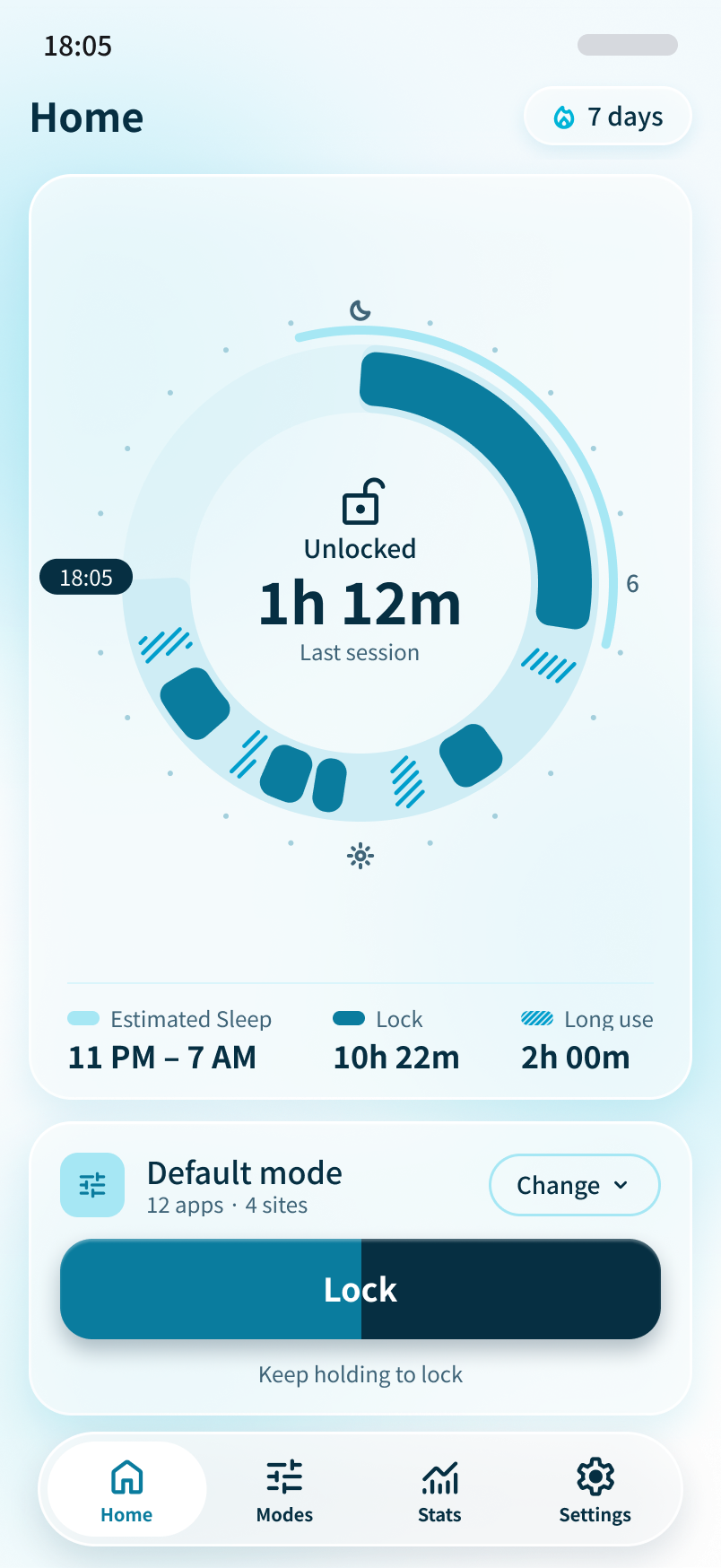
How it works
Three steps, no accounts to manage beyond Sign in with Apple.
Pick what to block
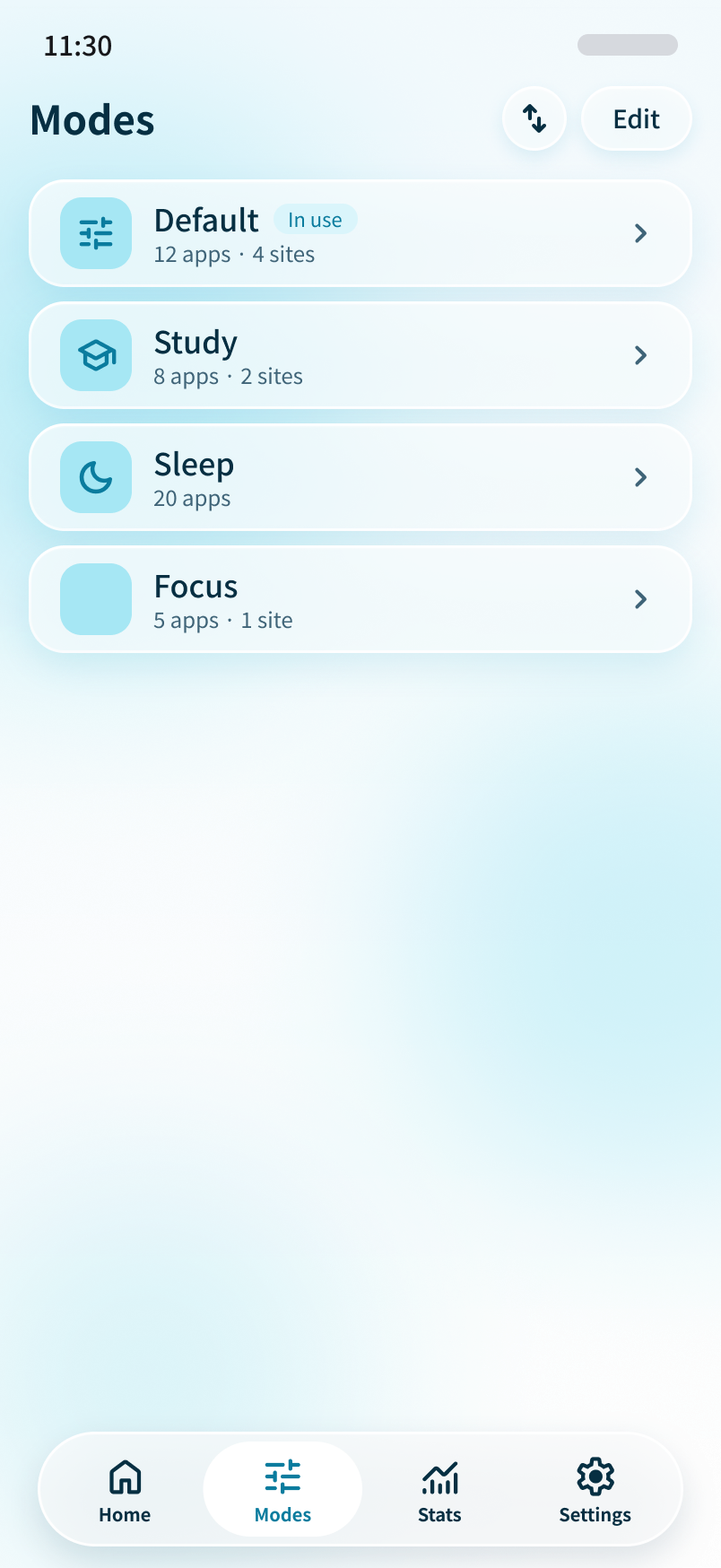
Create modes with the apps and websites you want out of reach. Keep as many modes as you need.
Lock now or on a schedule
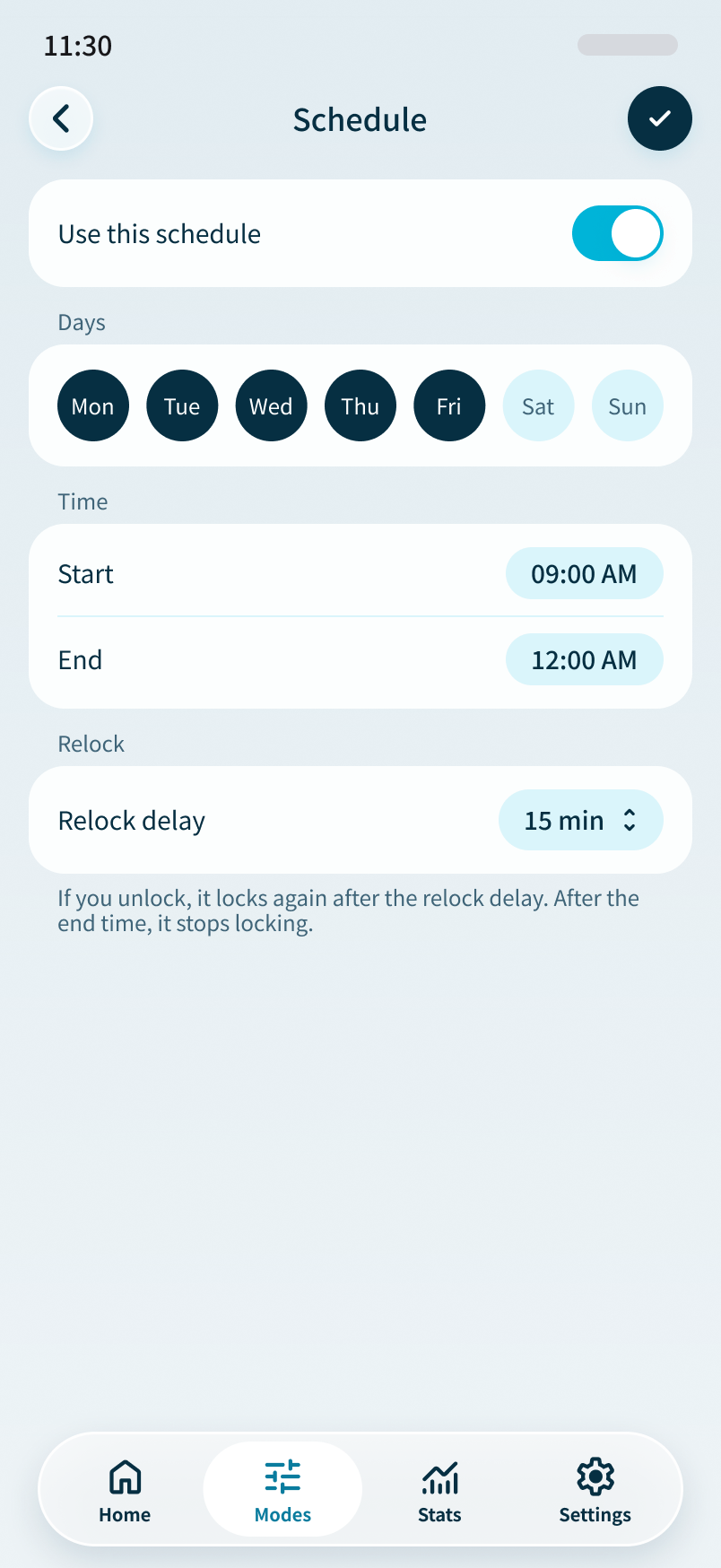
Hold the button to lock right away, or set schedules that lock and unlock automatically.
Unlock with intent
Keep holding to unlock, or tap a registered NFC card such as a transit card for a bit more friction.
Built for staying put
The parts of Atoll that do the work.
24-hour ring
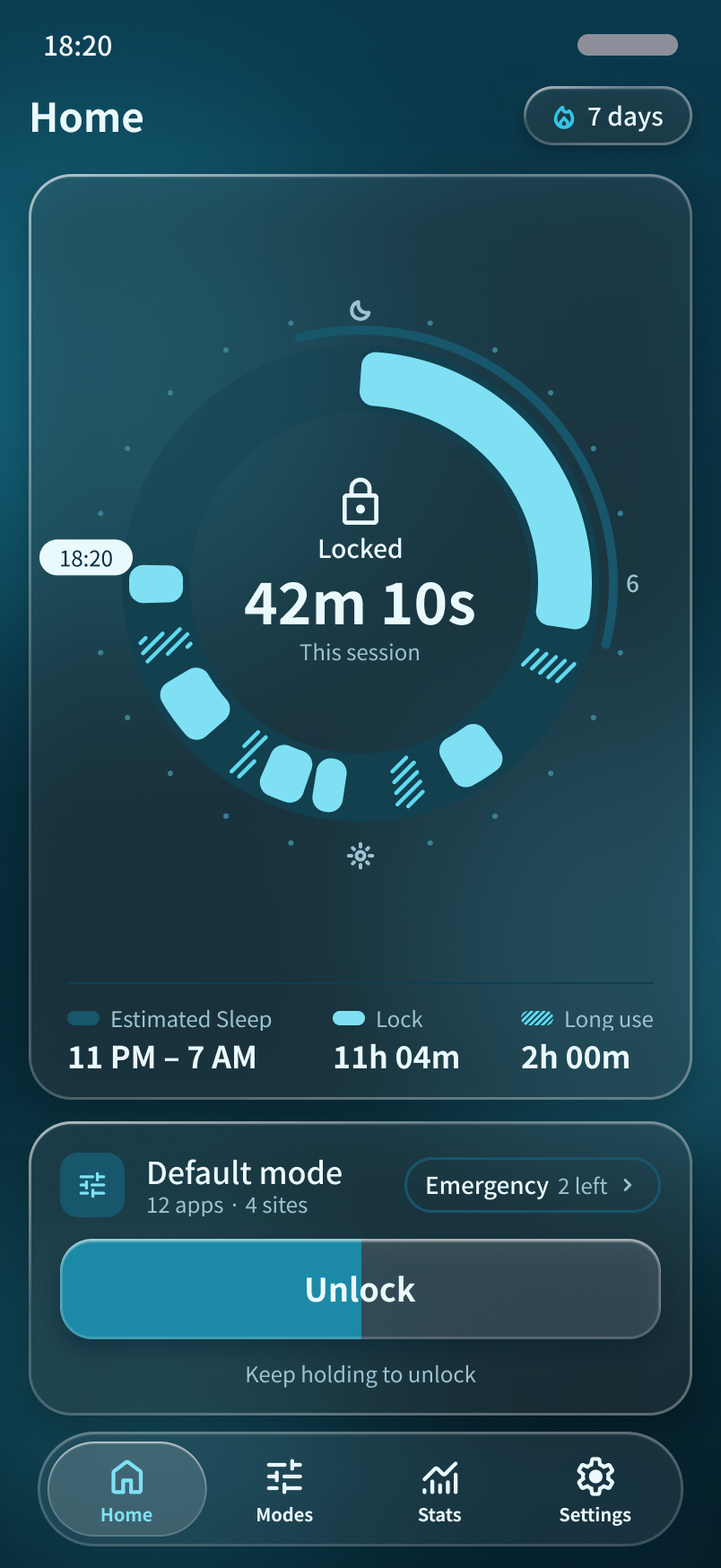
See your sleep, locked time and long use on a single ring, so the day is easy to read at a glance.
Apps and websites
Block both apps and sites, so a distraction does not just move to the browser.
Multiple modes
Switch between modes for study, sleep or focus without rebuilding your block list.
Schedules
Lock automatically at set times and let Atoll unlock when the window ends.
NFC cards
Register a card you already have. No special hardware to buy.
Stats
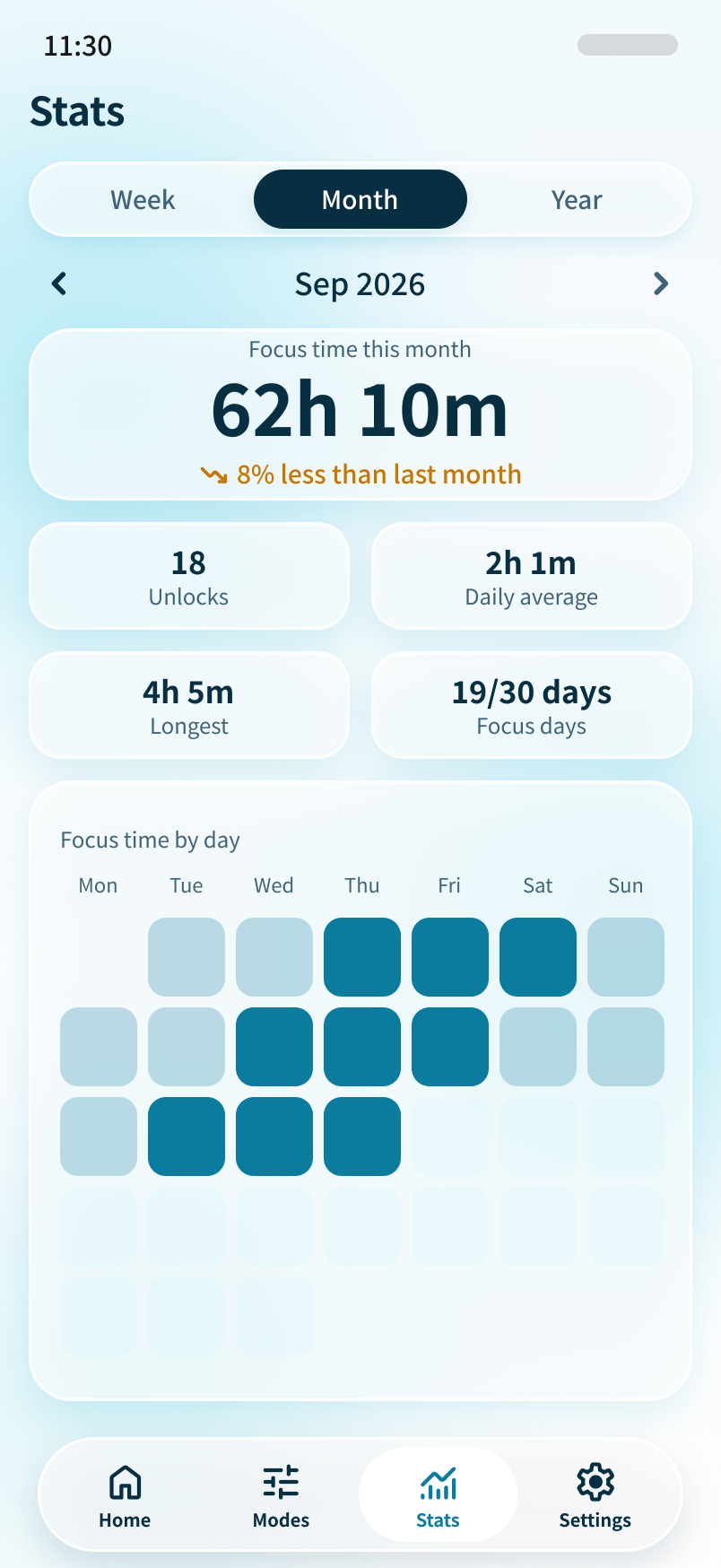
Weekly, monthly and yearly views of how much time you spent locked.
A look inside
Light and dark, matching your system.
Made by one developer
Atoll is an independent project from Sydney, Australia. If you want to hear when it launches or have a question, write to hello@tryatoll.app.